
 Size of firefox icon in taskbar.
With & Without:
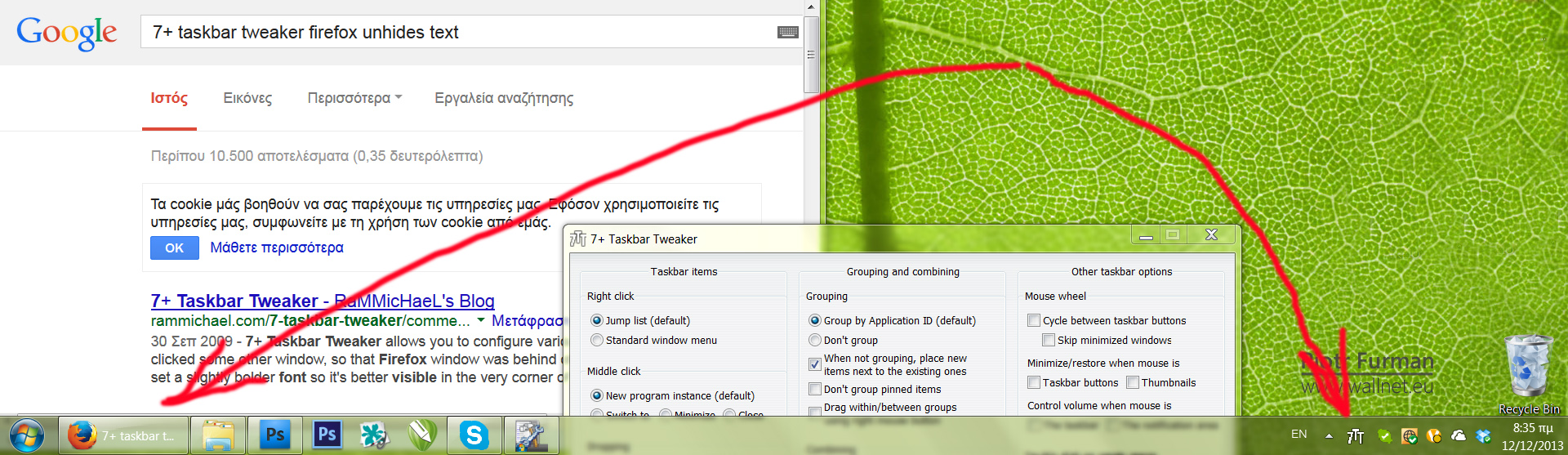
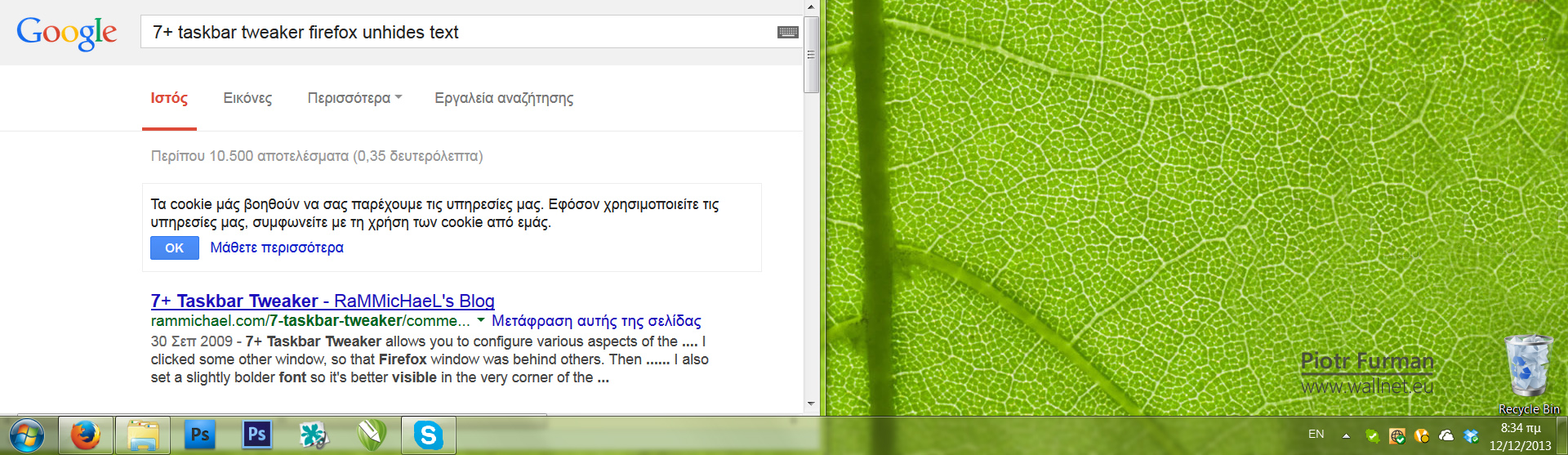

Please open Taskbar Inspector, right click the Firefox AppId, and check your settings.
Update to new version failed
Middle click to close doesn't work in Excel 2007
If I mid click a Excel window that is not active, it works like a ordinary left click. Mid click only closes the window if it is active.
Taskbar Inspector forgets settings?
http://tweaker.userecho.com/topic/178787-group-id-...
Please see my reply there.
 Open Taskbar Inspector away from the taskbar
Opening TI by whichever means (clicking on 7TT icon or double clicking empty space) causes it to overlap the taskbar, meaning it can get in the way. TI should appear with a spacial buffer between it and the taskbar, similar to the jump lists. Using a gap of 8px would streamline TI with the taskbar and maintain consistency with the display of the jumplist.
decombine on hover + combine when full - a thought
I have my config set up to always show labels, auto combine when out of space, decombine on hover and show labels.
Having read another issue here I don't know if this is possible, but it seems like it'd be nice if when you mouse-over to decombine, that you could prevent windows from auto-combining elsewhere on the taskbar until the mouse leaves that group, so that the only change is the hovered group decombining, as that would stabilise the movement somewhat.
This is somewhat similar in concept to how browsers these days don't auto-resize tabs again when you close one till you mouse-exit the tab-bar.
The trick would be doing that without forcibly decombining things elsewhere on the taskbar that were combined by windows due to lack of space.
There's an open ticked about the issue:
Decombining on hover wasn't designed to work with the "Combine when taskbar is full" configuration, which obeys explorer's rules of when to (de)combine.
While it might be possible to improve the way it works, for now It doesn't work that good, and I'd suggest to avoid using both options simultaneously.

Disappearing taskbar icon highlights.
When portable application is pinned to taskbar and running, after a while this application will lose its taskbar icon highlight, application is still running though because I can see it in my Task Manager, but when I click its taskbar icon it will open a new program instance instead of already running application, it failed to open already running application because taskbar icon lost its highlight, this problem occurs only with portable application, version 4.2.2 didn't have this problem. And this problem occurs with all portable applications which I have tried.
So the problem is: Portable application which is pinned to taskbar will lose its highlight after a while.

Switch to previous window | Switching between 2 windows
This feature needs to be added to Keyboard Shortcuts (Advanced Options).
This feature is asking the tweaker to always remember what was the previous active window, so that when we launch this Keyboard Shortcut, the tweaker will switch to the previous window.
Repeatedly pressing this shortcut, will actually lead to the desired effect: Switching between 2 windows.
Switching needs to be like Alt+Esc effect style (and not like Alt+Tab).

Latest beta can't run except with admin priviledges
This affects it running on startup, as it's unable to launch. I'm also logged in with an admin account, and installed to the default install directory (User/AppData/Roaming/).
You have a restriction for applications that can be run.
Google for the error message you're getting for more details.
Сервис поддержки клиентов работает на платформе UserEcho


