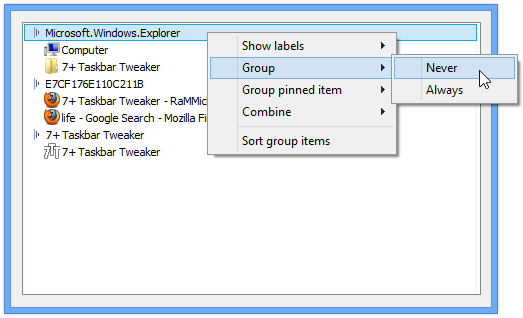
some minor conflict with Tclock2
I'm still running an old app Tclock2:
https://www.softpedia.com/get/Desktop-Enhancements/Clocks-Time-Management/Tclock2.shtml
7+ Taskbar Tweaker has some minor conflict with Tclock2.
When (after) the conflict occurs, 7TT will fail to maintain the "Open with double click (on Pinned items)" feature. And Windows Explorer will crash when 7TT exits. Nothing else so far as I see.
I wonder if the conflict can be resolved on your side.
Thank you.

 Close duplicate (explorer) windows
Windows 10 has a bug, when a folder opened to a network location and that location become unavailable (i.e. after computer woke up from sleep) it shows an annoying popup on the background. If popup left opened, next time computer wakes up it opens another popup for the same location. Than, if "Restore previous folder windows at logon" is enabled in folder options, after computer restart for each of these popups it will open a window to the same location.
It would be awesome have an option to simply close any duplicate explorer windows.
This option would probably be most useful with combined windows.

taskbar not maximized!
hi! maybe these question has already been posted (i couldn't find it), anyhow i'd like to change the taskbar lenght, in order not to be maximized on desktop size, but (for instance) at 80% of the desktop size. check snapshots. would this be possible?
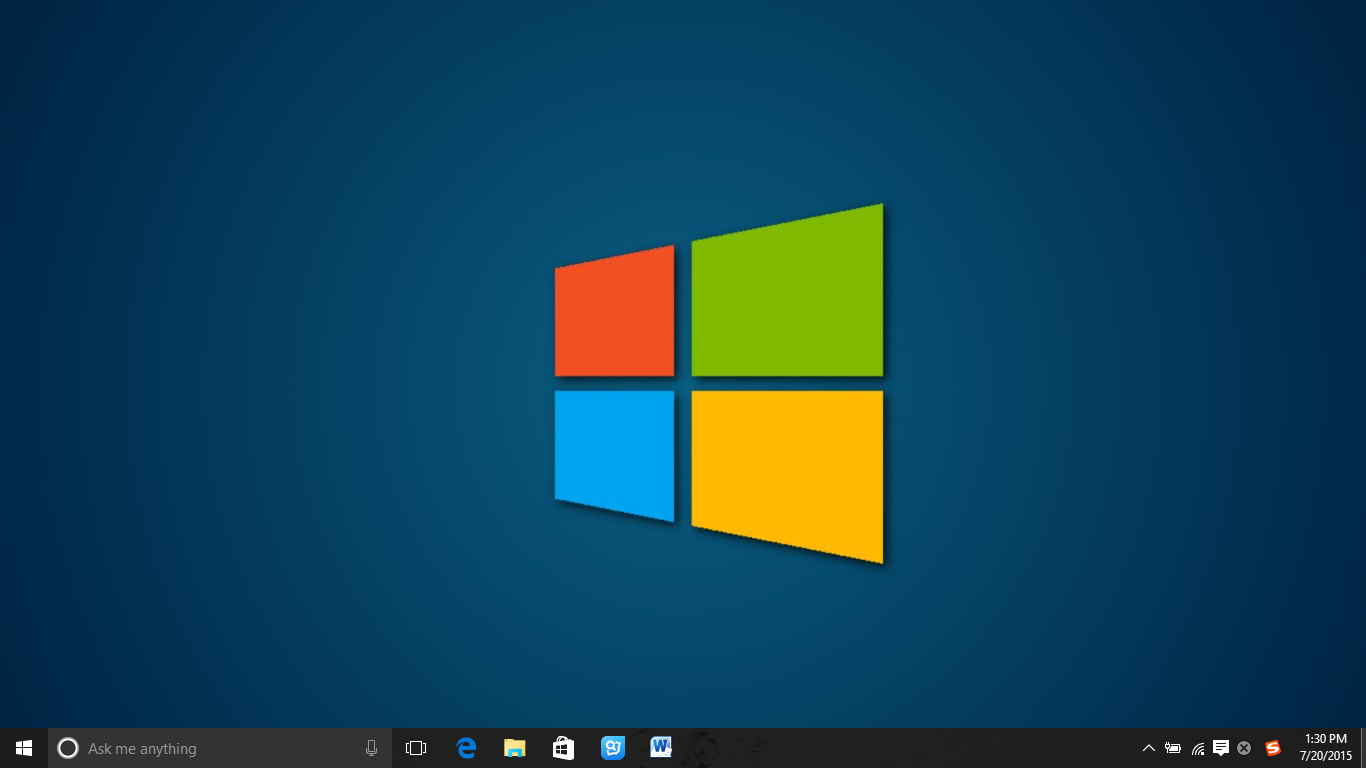
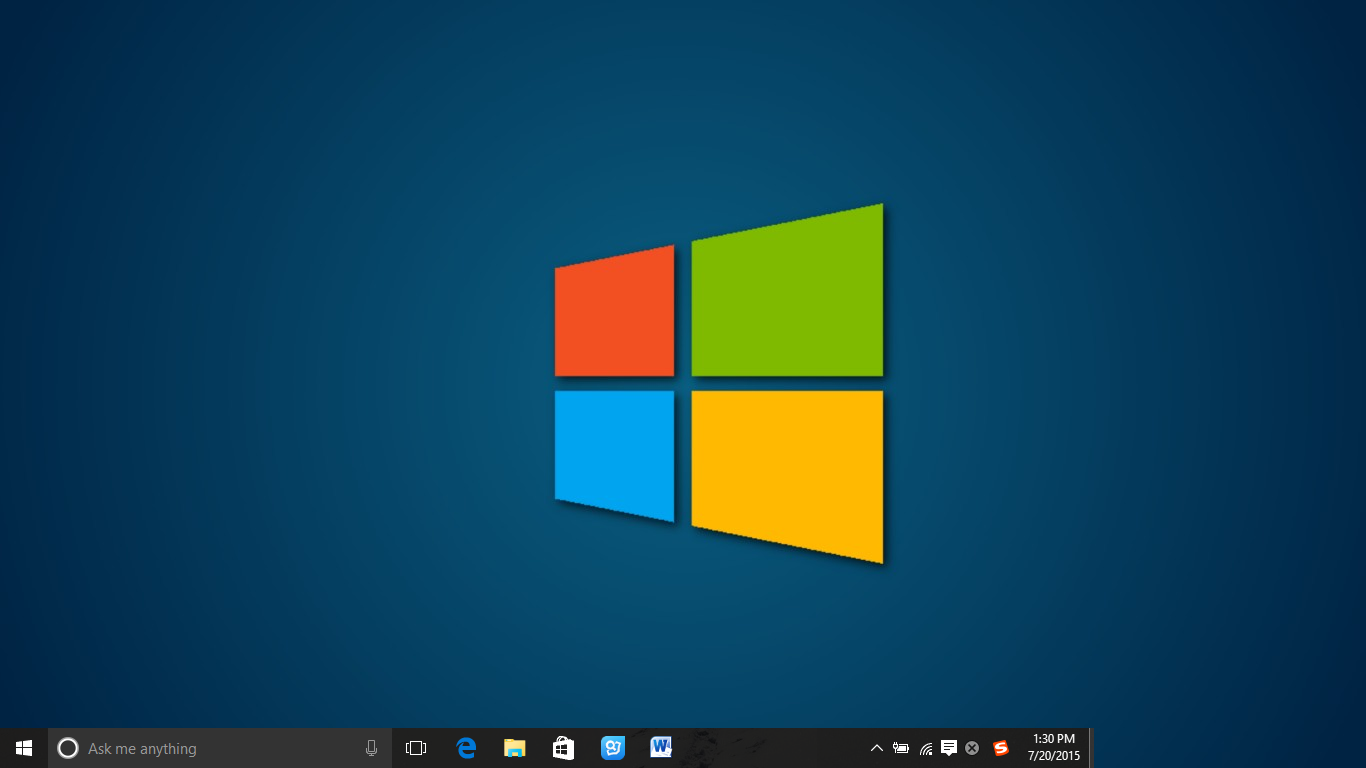
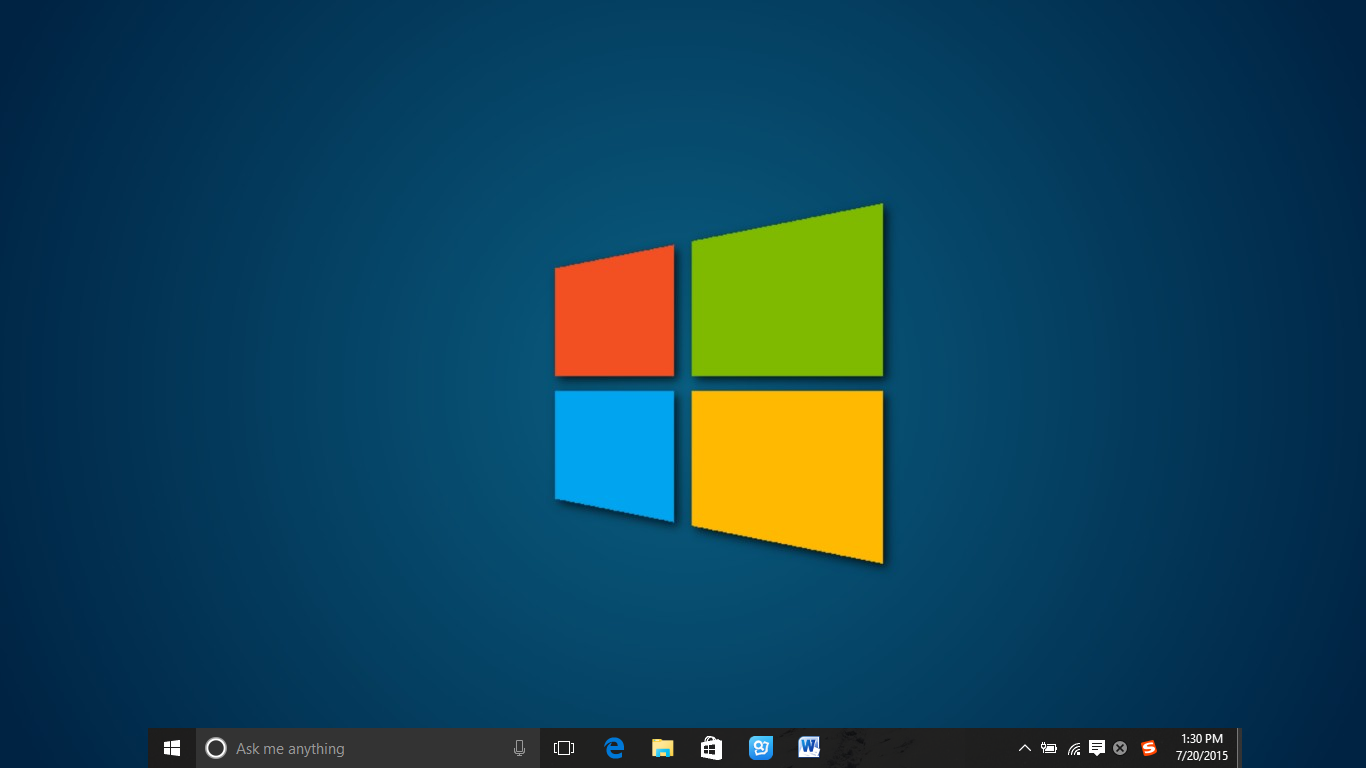


That's possible with Taskbar Inspector. Refer to the help file that comes with the program for more details.

 Minimize with Right Mouse Button bug with v5.8
Minimizing with Right Click doesn't always seem to work, and I'm not sure what circumstances causes it not to work (taskbaritem|rclick 2).
This function worked well in the previous version.
When Right Clicking on the Taskbar Icon, sometimes the window flickers between being active or inactive, but remains on the monitor (it does not minimize). Other times, this function works properly.
I was wondering, is it possible to revert to the previous version?
Thanks!
The function is quite straightforward, and wasn't changed for years. I suspect that the target application or the OS have to do with the behavior you're seeing.
You can get previous versions of the tweaker here:
https://www.dropbox.com/sh/mcbychsh0xc1dvu/AAC7NwQTQ-tOTNL2BUZ_CwUua?dl=0
You can also compare the behavior with the behavior of other programs, such as the Task Manager.
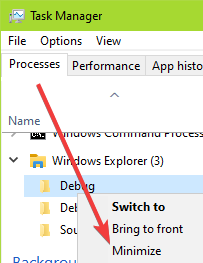
Let me know if you find out that it worked properly in a previous version of 7+ Taskbar Tweaker (and in this case, which version introduced the issue).

Windows 10 enterprise not supported?
Tweaker was working before the 5.7 and 5.8 updates
Will it be working again for Windows 10 Enterprise?
Use the beta version. More details:
https://tweaker.userecho.com/topics/959-could-not-load-library-5

Suggestions of showing labels
I set showing labels for the softwares which may have multiple instances like chrome, word, adobe acrobat, and file explorer.
As the newly opened software is at at the rightmost side of taskbar, the taskbar may like this:

I wonder if these softwares can be set always at the right side of taskbar, like this:

I believe the latter taskbar is much clear and easy to select the needed program.
Search thru open taskbar programs/icons
Hi there,
is there any way to search thru the open icons/items in the taskbar?
I am one of those keeping tons of programs open (at least 4-5 lines in the taskbar, set to auto-hide), so it is sometimes hard to find out if any program is already open.
My idea would be some option (click at a specific place of the taskbar, e.g. the 7TT icon right.click menu, or have it assigned to a hotkey) and have a search option. The result then is presented in a list which, which, when an item is clicked, directly restores the window of that program.
Thanks for considering :-)
Kind Regards,
Andreas
PS: Don't anybody tell me to have less programs open - that isn't the solution I want to hear ;-)
See my answer here:
https://tweaker.userecho.com/topics/959-could-not-load-library-5
Add an option to launch a user defined program when double clicking an empty space
It would be nice to allow the user to define a custom application to launch whenever this user double clicks on the taskbar.
Customer support service by UserEcho