0

Suggestions of showing labels

Anonym 6 år siden 0

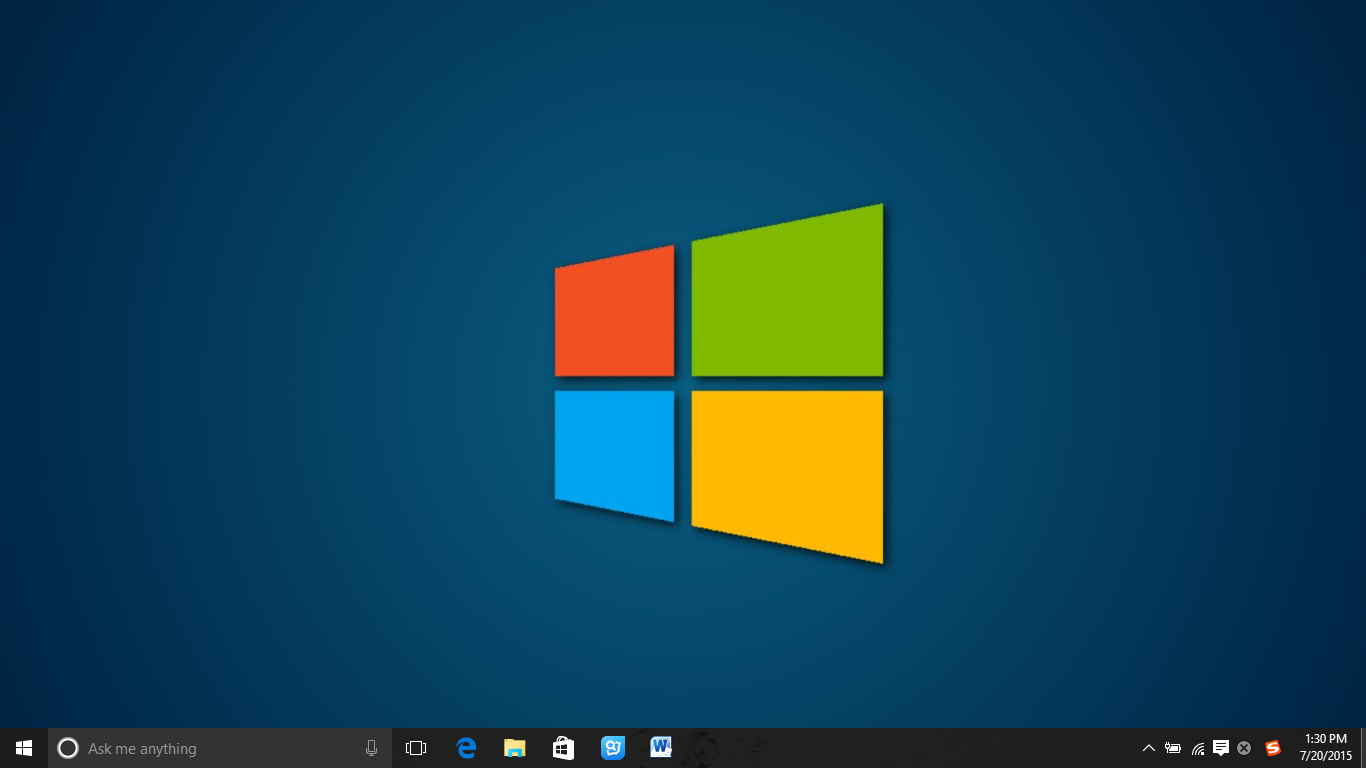
I set showing labels for the softwares which may have multiple instances like chrome, word, adobe acrobat, and file explorer. 

As the newly opened software is at at the rightmost side of taskbar, the taskbar may like this:

Image 318

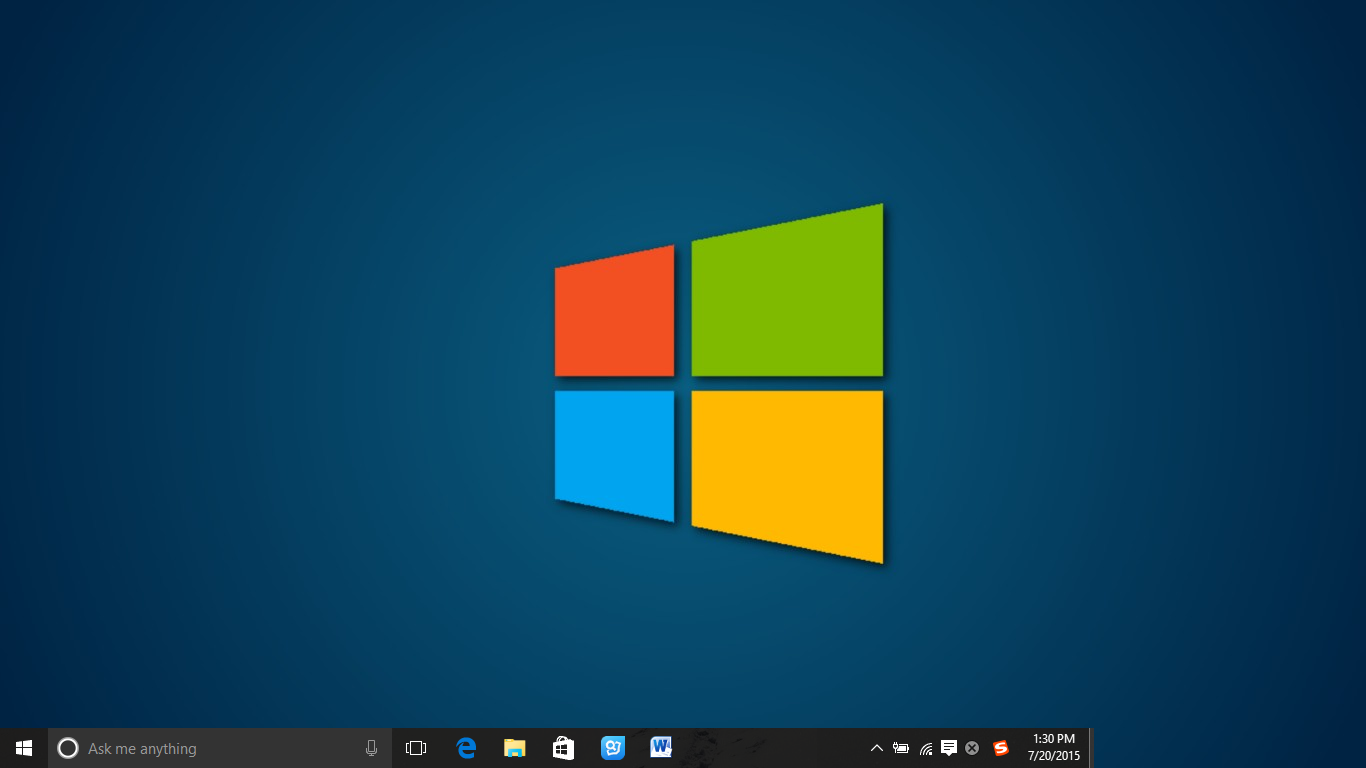
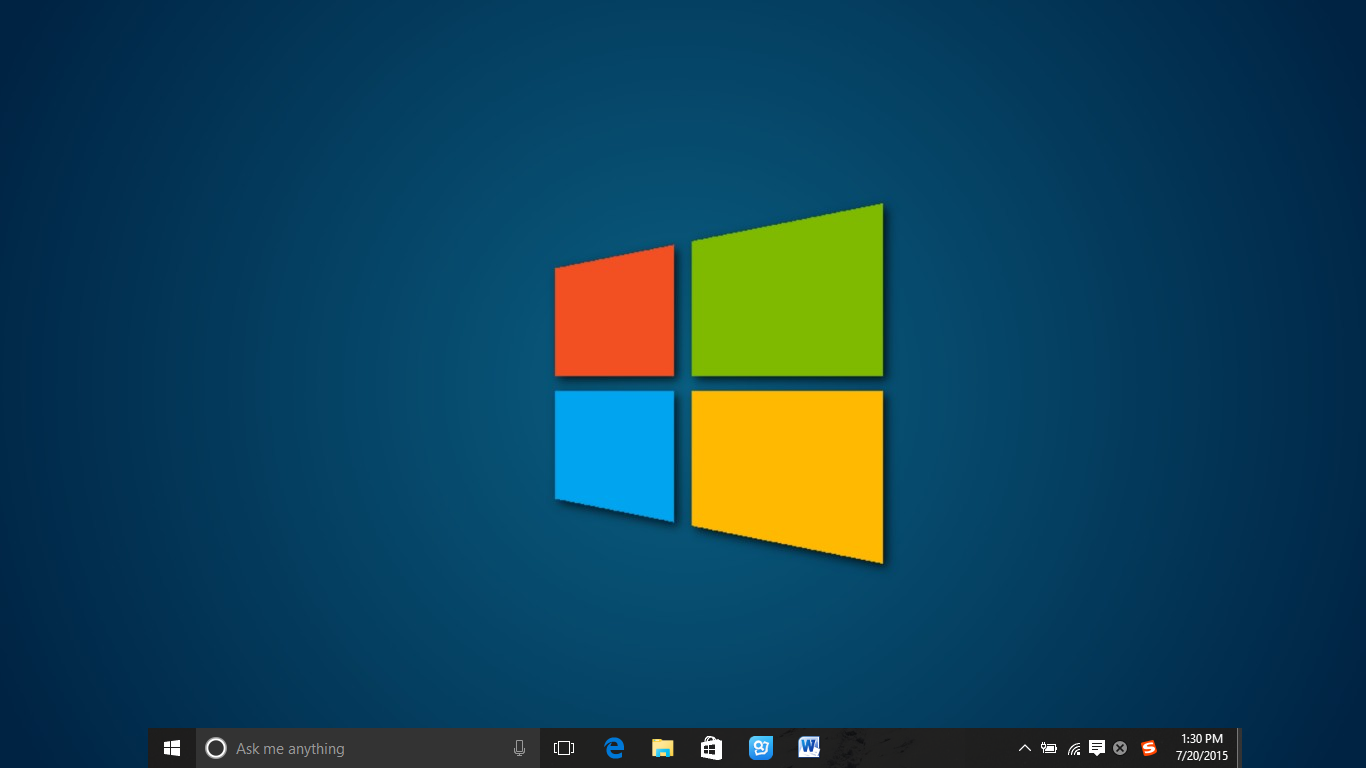
I wonder if these softwares can be set always at the right side of taskbar, like this:

Image 317

I believe the latter taskbar is much clear and easy to select the needed program.

0

Search thru open taskbar programs/icons

Anonym 6 år siden oppdatert 6 år siden 2

Hi there,

is there any way to search thru the open icons/items in the taskbar? 

I am one of those keeping tons of programs open (at least 4-5 lines in the taskbar, set to auto-hide), so it is sometimes hard to find out if any program is already open. 


My idea would be some option (click at a specific place of the taskbar, e.g. the 7TT icon right.click menu, or have it assigned to a hotkey) and have a search option. The result then is presented in a list which, which, when an item is clicked, directly restores the window of that program.


Thanks for considering :-)


Kind Regards,

Andreas


PS: Don't anybody tell me to have less programs open - that isn't the solution I want to hear ;-)

0
Fullført

Add an option to launch a user defined program when double clicking an empty space

madooo12 6 år siden oppdatert 6 år siden 2

It would be nice to allow the user to define a custom application to launch whenever this user double clicks on the taskbar.

0
Fixed

Taskbar impossible de charger la bibliothèque

Anonym 6 år siden oppdatert av Michael (Ramen Software) 5 år siden 5

un message d'erreur au démarrage avec écrit taskbar impossible de charger la bibliothèque et il ne fonctionne plus

Svar

Probably fixed by now. If not, please leave a comment.

0
Not a bug

High CPU usage in Explorer process

SDL 6 år siden oppdatert av Michael (Ramen Software) 6 år siden 4

Firstly, keep up the great work on what is a fantastic product! Something of a modern day Windows PowerToy :-)

I'm frequently seeing high CPU usage in the explorer.exe process, which seems to get worse overtime until I reboot. When I say "high", it's not a large number, so much as a constant underlying activity. The system I'm on is a 6C/12T Xeon and after a few days uptime a single thread in the explorer.exe process uses a constant ~0.3% to ~1.0%. It's not substantial, but it's very noticeable when the system is otherwise idle, and I suspect it's also introducing some lag across the Windows UI, possibly due to certain types of GDI calls which use critical sections.

Taking a look at the thread it seems to be attributable to 7+ TT. I've captured a sample stack trace via Process Explorer and also recorded a more detailed trace via Windows Performance Recorder if that were at all useful. Would you be able to provide any thoughts or advice on how to best troubleshoot this and isolate the underlying cause?

System is Windows 10 v1903 x64 w/ 7+ TT 5.8.


Sample stack trace:

ntoskrnl.exe!KiSwapContext+0x76
ntoskrnl.exe!KiSwapThread+0xbfd
ntoskrnl.exe!KiCommitThreadWait+0x144
ntoskrnl.exe!KeWaitForSingleObject+0x255
ntoskrnl.exe!KiSchedulerApc+0x397
ntoskrnl.exe!KiDeliverApc+0x2e8
ntoskrnl.exe!KiCheckForKernelApcDelivery+0x2b
ntoskrnl.exe!KeLeaveCriticalRegion+0x37
win32kbase.sys!HANDLELOCK::vUnlock+0x12e
win32kbase.sys!hbmSelectBitmap+0x19d
win32kfull.sys!NtGdiSelectBitmap+0x11
ntoskrnl.exe!KiSystemServiceCopyEnd+0x25
win32u.dll!NtGdiSelectBitmap+0x14
gdi32full.dll!SelectObjectImpl+0x1f0
USER32.dll!CreateIconIndirect+0x1c7
comctl32.dll!Common_GetIcon+0x39b
comctl32.dll!CImageList::GetIcon+0x2e
comctl32.dll!ImageList_GetIcon+0x8a
Explorer.EXE!CTrayNotify::_ModifyNotify+0x536
Explorer.EXE!CTrayNotify::_TrayNotifyIcon+0x9c1
Explorer.EXE!TrayUI::HandleCopyData+0x7c
Explorer.EXE!CTray::v_WndProc+0xf8
Explorer.EXE!CImpWndProc::s_WndProc+0x78
USER32.dll!UserCallWinProcCheckWow+0x2bd
USER32.dll!CallWindowProcW+0x8e
comctl32.dll!CallNextSubclassProc+0x89
comctl32.dll!DefSubclassProc+0x77
inject.dll!Init+0x1a7ab
comctl32.dll!CallNextSubclassProc+0x89
comctl32.dll!MasterSubclassProc+0xa2
USER32.dll!UserCallWinProcCheckWow+0x2bd
USER32.dll!DispatchClientMessage+0x9c
USER32.dll!_fnCOPYDATA+0x50
ntdll.dll!KiUserCallbackDispatcherContinue
win32u.dll!NtUserPeekMessage+0x14
USER32.dll!_PeekMessage+0x42
USER32.dll!PeekMessageW+0x149
Explorer.EXE!CTray::_MessageLoop+0x4c
Explorer.EXE!CTray::MainThreadProc+0x4d
shcore.dll!_WrapperThreadProc+0xf5
KERNEL32.DLL!BaseThreadInitThunk+0x14
ntdll.dll!RtlUserThreadStart+0x21

0
Fixed

Could not load library (5)

boardtc 6 år siden oppdatert av Michael (Ramen Software) 6 år siden 9

The latest update has broken the software for me. I am running Windows 10 Enterprise. On startup/rerun I get:

7+ Taskbar Tweaker: Could not load library (5)
Library initialization failed, perhaps your Windows version is not supported.

Svar

You're probably using Windows 10 version 1709 with the KB4520006 update. The incompatibility was fixed in the beta version of 7+ Taskbar Tweaker. You can get it here.

0
Fullført

I use multiple monitors and would be grateful if I had an OWN taskbar per monitor.

Christian 6 år siden oppdatert 6 år siden 4

Greetings to all

I use multiple monitors and would be grateful if I had my own taskbar per monitor.

For months I've been looking for a way to have a taskbar on each of my (4) monitors.

Each of my monitors is divided into its own "subject area". So it would be great if I could pin on the programs used for the individual subject areas.

My example (4 monitors, 3 side by side, a huge one on top)

Monitor 1: only trading software runs here

Monitor 2: (the main screen) here are my browsers open, CMS/CMR, Word/Excel

Monitor 3: DeepL, Rambos for communication

Monitor 4: eMail, Wallets, Youtube :D

Is it possible to do something like this?


greetz
Christian

Svar

Hi Christian,


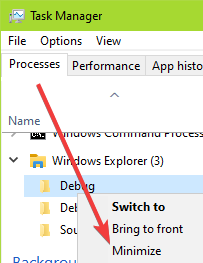
Since Windows 8 you can have a taskbar on every monitor, and decide which items appear on every taskbar (e.g. all items on all taskbars, or only items of windows from the same monitor).

See the image below, or visit this link for a detailed guide.

0

Need help working with multiple lines of Taskbar icons

robertebrown94306 6 år siden oppdatert av Michael (Ramen Software) 6 år siden 1

Suppose I have 3 lines of taskbar icons with only one of the three lines visible

at any given time.  When I add a new icon to the taskbar, it gets added to the 3rd (last)

of the 3 lines.  How can I move that icon from the 3rd line to the 1st line?

Also, is there a way to force a new icon to go onto the 1st line instead of onto the 3rd line?

0
Fullført

inject.dll crashes explorer with latest win 10 insider build and 7tt beta 5.8.0.2

Harry Langenbacher 6 år siden oppdatert av Michael (Ramen Software) 6 år siden 2

running latest windows insider & taskbar tweaker beta, works ok for a while until something triggers it, then explorer crashes and restarts repeatedly until I kill explorers or "7+ Taskbar Tweaker.exe". Generates a whole lot of stuff in the Application log so I don't know where to start - here's an example


- <Event xmlns="http://schemas.microsoft.com/win/2004/08/events/event">

- <System>

<Provider Name="Windows Error Reporting" />

<EventID

Qualifiers="0">1001</EventID>

<Level>4</Level>

<Task>0</Task>

<Keywords>0x80000000000000</Keywords>

<TimeCreated SystemTime="2019-10-25T06:06:08.667638400Z" />

<EventRecordID>1663</EventRecordID>

<Channel>Application</Channel>

<Computer>Ryzen9</Computer>

<Security />

</System>

- <EventData>

<Data>1906846850083503954</Data>

<Data>4</Data>

<Data>APPCRASH</Data>

<Data>Not available</Data>

<Data>0</Data>

<Data>explorer.exe</Data>

<Data>10.0.19008.1</Data>

<Data>340fd273</Data>

<Data>inject.dll</Data>

<Data>5.8.0.2</Data>

<Data>5db141bd</Data>

<Data>c0000005</Data>

<Data>000000000000eb30</Data>

<Data />

<Data />

<Data>\\?\C:\ProgramData\Microsoft\Windows\WER\Temp\WERC684.tmp.WERInternalMetadata.xml</Data>

<Data>\\?\C:\ProgramData\Microsoft\Windows\WER\ReportArchive\AppCrash_explorer.exe_681cb64c94917312b7d5ee2fee835528927c03e_a3caa76f_f0035701-b0e3-480d-8430-07617ff576e6</Data>

<Data />

<Data>0</Data>

<Data>ee4f6b93-8b4c-4324-95c4-18bdacbe965d</Data>

<Data>268439552</Data>

<Data>d4256b46849f4588fa767b1b744cbf52</Data>

<Data>0</Data>

</EventData>

</Event>

Svar

Please try the newly released v5.8.0.3 beta. It was adapted to the recent changes based on build 19013. I didn't test it thoroughly, but I think I fixed the most incompatibility aspects and most options should work.

Form the logs I can see that you're running build 19008. If v5.8.0.3 doesn't work for you, please update to Windows 10 build 19013.

Leveres av UserEcho