
Thank you for the suggestion. This was already suggested:
https://tweaker.userecho.com/communities/1/topics/318-7-taskbar-tweaker-settings-in-context-menu
Closing as a duplicate.

 [Combining] Microsoft.RemoteApp./xx/xx==0 config is not honor
RemoteApp of RDP Terminal Service has Application ID in the title format is not honor per tweaker or application cycle (close/open)
Sounds like this issue:
Closing as a duplicate. If you meant something else, please leave a comment and I'll reopen it.

What code? On beta
I have made Donat, but you haven't sent me a code. The website at the request of a code isn't available. What code for a beta 1809?

 Context menu for tray icon fails with 2 monitors
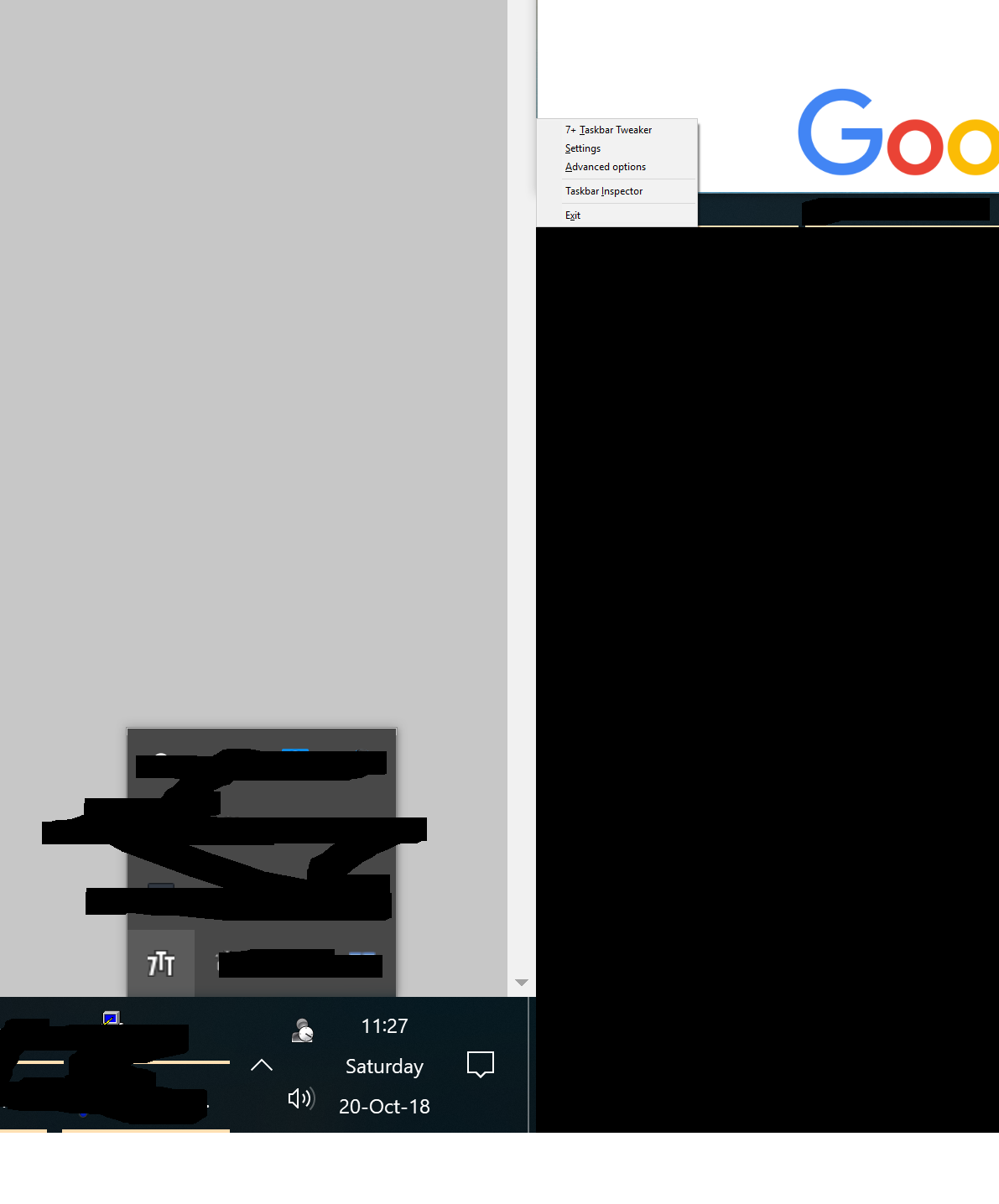
Hello. If you have 2 monitors Taskbar Tweaker behaves incorrectly when clicking on the tray icon to see the context menu, it is displayed on the second monitor in the bottom left corner:
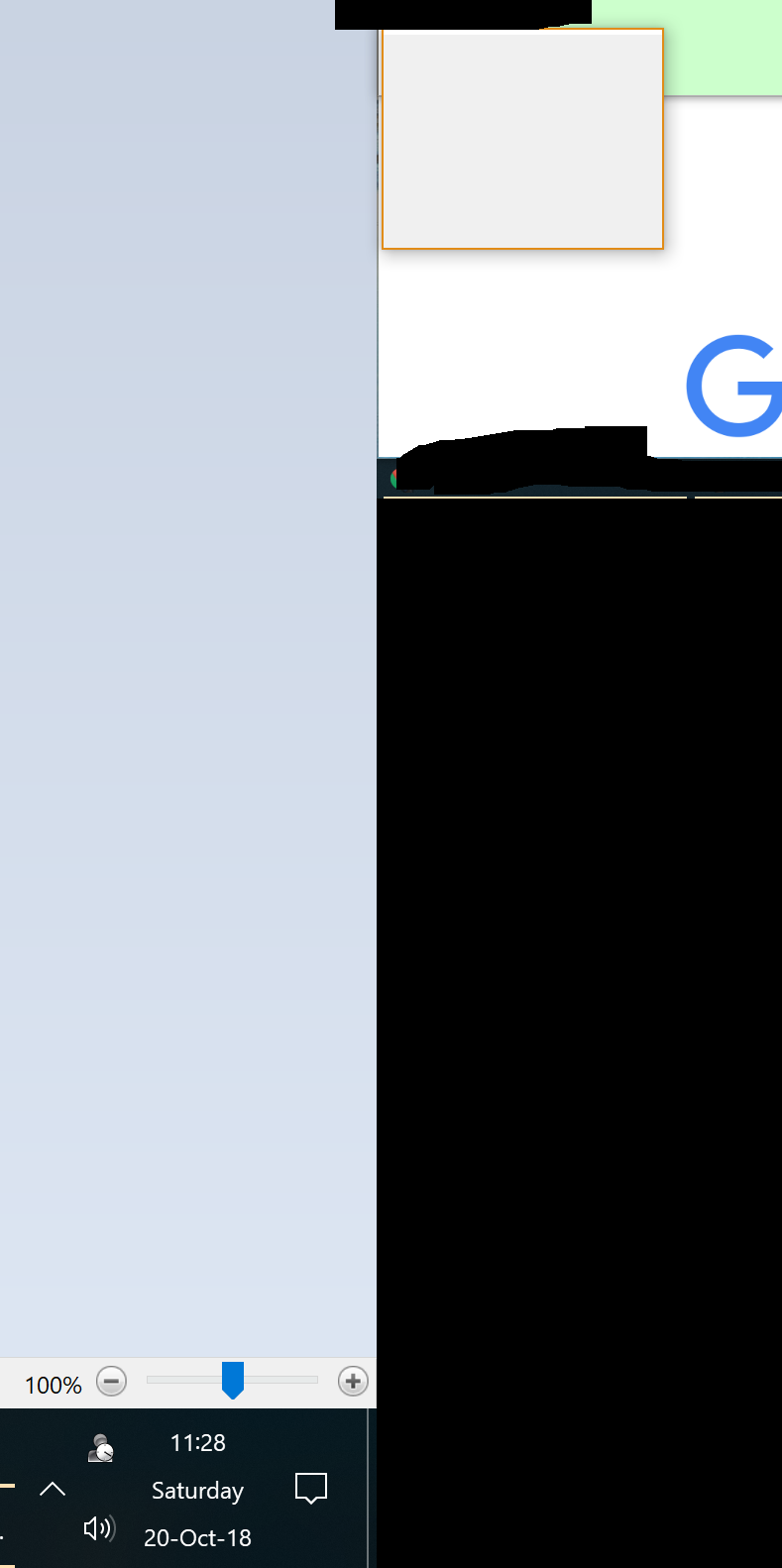
The second (and the actual critical problem) is that when you click on the "Taskbar Inspector" option you get an empty window:
Middle Click
Could we have Ctrl & Middle Click to Open a New Instance (I use Middle Click to Close)
Windows provides Shift+Left click as an alternative shortcut to open a new instance.
If you'd like to specifically use Ctrl+Middle click, you can configure it with the Mouse Button Control advanced options. Refer to the help file for more details.

Display number of the Pinned application on Taskbar when you hold the Windows key
On Windows 10 you can open an app pinned to the taskbar pressing Winkey + the position number of the app.
Example: open the first app pinned to the taskbar= Winkey+1
open the third app pinned to the taskbar= Winkey+3
I have more than 10 pinned apps, so I can't always remember the right number.
A feature to display the number of the Pinned application on Taskbar would be very useful.
If the number was always displayed, it could be messy; if it was displayed only when you hold the Windows key, it would be the best.

Close buttons in the Taskbar Inspector
Could a small close button be added next to the each window's icon in the Taskbar Inspector? Right clicking a window gives a menu with options for closing and mini/maximizing but this is a bit slow to use when I'm trying to clean up a lot of open windows. Close buttons next to each application ID that close all the windows under it would also be convenient.

Dropping doesn't work with extend monitor
I'm using 7+ Taskbar tweaker v5.5 on Windows 10 with 2nd monitor. (default extend, not display fusion or anything)
The option "Dropping" to "Open with" work well with programs on main taskbar but doesn't work on external taskbar.
Could you have a look on it?
That's a limitation of Windows. The "Open with" feature comes with Windows, and can be used without the tweaker by holding Shift while dragging the file. The tweaker just makes explorer think that Shift is being pressed.
Windows doesn't allow to pin items on secondary taskbars, so it looks like the "Open with" feature gets disabled as a side effect. It might be possible to fix this with the tweaker - I might look at it when I have some spare time.
Since that's not a bug of the tweaker, I'm changing it from "Bug" to "Idea".

 switch between windows in taskbar order in Windows 10
Hello, dear RaMMicHaeL,
I used AutoHotkey and TaskbarNavigation script with Windows XP to switch between windows in taskbar order.
But now I use Windows 10 and that doesn't work here.
So I try to use you program 7+ Taskbar Tweaker.
I want use
Alt+` to open previous window in taskbar
and
Alt+Tab to open next window in taskbar.
Alt+`
0xC0|alt
101
work nice.
But
Alt+Tab
0x14|alt
102
doesn't work, because starts native Windows 10 switch between windows.
(TaskbarNavigation can work INSTEAD of native Windows XP switch)
Could you help me - how could I get 102 command with
Alt+Tab
0x14|alt
INSTEAD native Windows 10 swith between windows?
Thank you very much in advance!
خدمة دعم العملاء من خلال UserEcho


