Dine kommentarer


Office apps in general, and Word in particular, have a number of non-standard user experience behavior. Here's another example. I don't plan to work around these issues with the tweaker.
I'm glad that it works now.
You can use emptyspace|ldblclick, it shouldn't cause conflicts.
See:
How do I find event logs when a program crashes?
The issue here is that the BSOD doesn't stop after uninstalling 7TT =(
In such case, I doubt that it has anything to do with 7+ Taskbar Tweaker.
I'm using the same version, and it works for me.
Can you go to C:\Windows, right click on explorer.exe, choose Properties -> Details, and post the file version?
Which version are you using? The tweaker supports the latest version, Windows 10 Fall Creators Update.
Note that insider builds are not supported by the tweaker.
Did you do the following step?
- Hold Ctrl and left-click the taskbar (or use the click that you have set). If it was done correctly, Notepad will be launched.
Was Notepad launched?
I couldn't reproduce the issue. Even if I'll be able to reproduce it, I'm afraid that there's not much that I can do, as 7+ Taskbar Tweaker merely asks the system to minimize/restore the window, so it probably is a Windows issue.
You can try using a different tool, for example Task Manager, to minimize and restore your window. I guess that you'll see the same behavior.
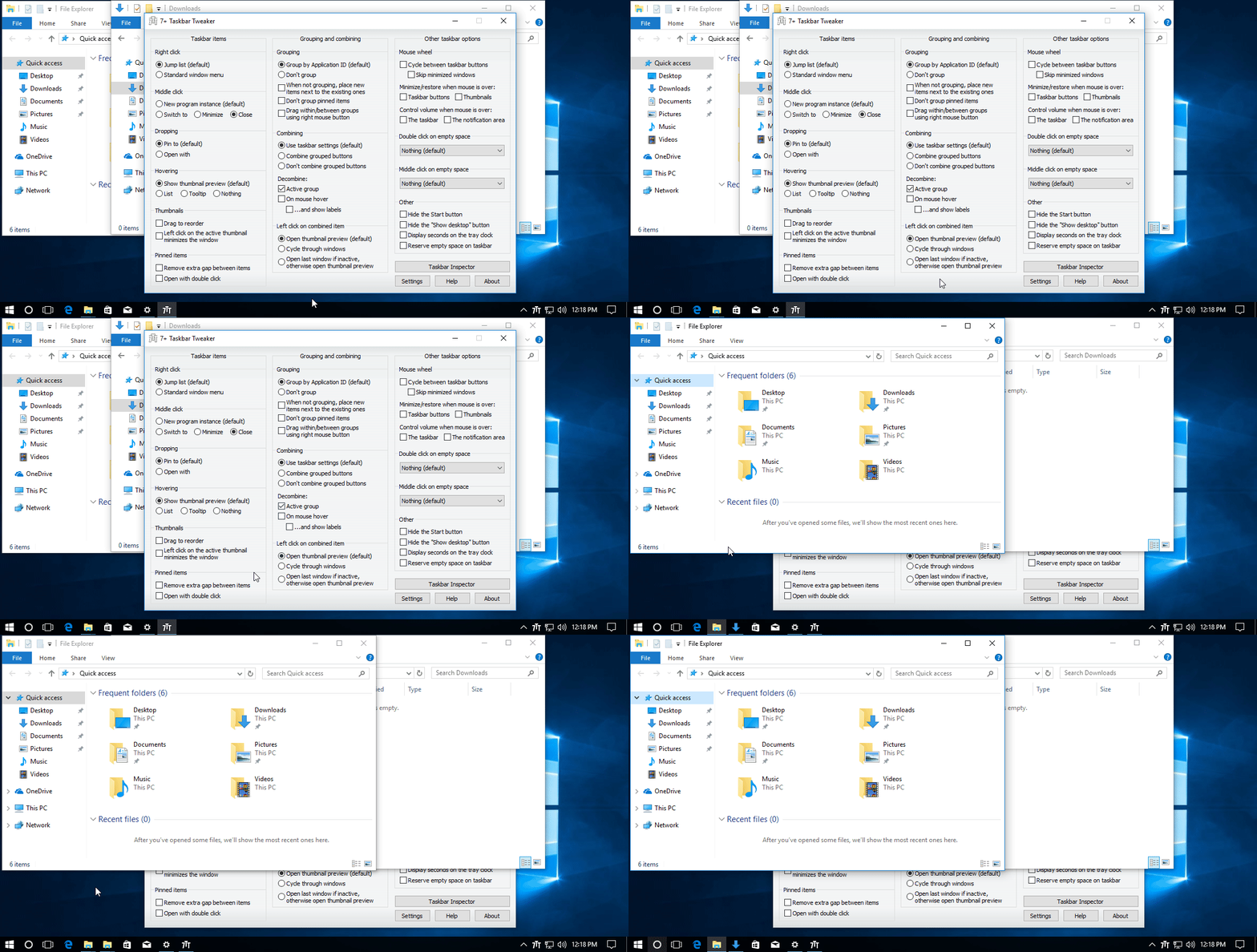
I couldn't reproduce the issue. My attempt is below.
Can you provide a video which demonstrates the issue?
Kundesupport af UserEcho


Are you getting the error message with the same code, 206?
Are you using the latest tweaker version?
Are you using an insider build of Windows 10?