Dine kommentarer

No. It happens whether or not no_width_limit is enabled. So it's disabled now. It not only happens when the program is the active window but also when I hover over an inactive window (if the program is inactive on my desktop) it will disappear. If I've cycled through multiple programs, they will sometimes stay blank when inactive. But when I opened my Snipping Tool, all the blank icons come back except Word, which comes back truncated.
Interestingly, the Firefox icon remains unaffected.
I have Aero disabled on my computer. I'm wondering if there might be some sort of conflict there.
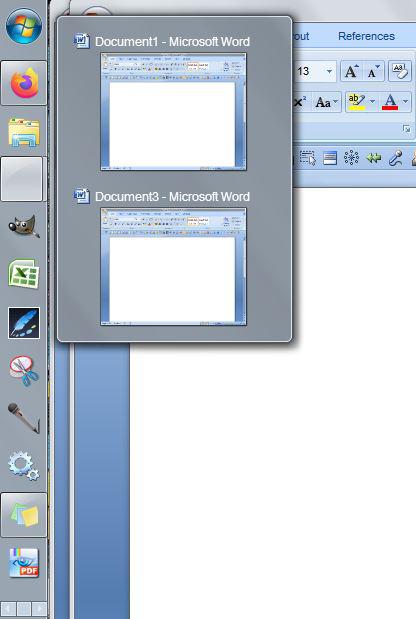
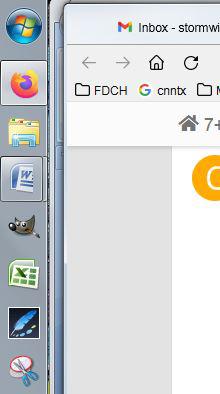
The problem does not exist with the three test builds but neither do they include the no_width_limit setting in the OptionsEx tab, which is the only reason I'm using the utility (to make the vertical task bar narrower)
I must have bailed out on the research. Just checking back to see if progress has been made. Issue persists.
I do not experience it when the tweaker is off.
I do not have any options turned on. All settings are default.
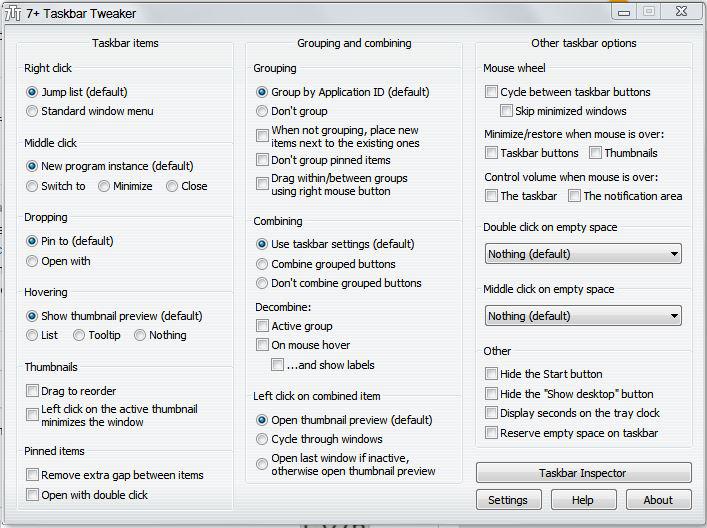
The icon is only shaved off when the app is open. But if I widen the toolbar as you suggest, the problem still exists.
Leveres av UserEcho


The no_width_limit is the only reason I'm using the app. And it doesn't matter how wide I make the taskbar. The icons disappear.