Twoje komentarze


Fixed in 7+ Taskbar Tweaker v5.2.
Closing as a duplicate of:
http://tweaker.userecho.com/topics/420-suggestion-need-delay-before-showing-preview-on-hover/
Hi,
It's not related to disabling taskbar always on top, is it?
In any case, it might be because you're using Windows 10 Anniversary Update, which is not supported at this time.
See also:
OK, good to know that you have found a solution. It probably won't be added to 7+ Taskbar Tweaker, but I'll leave the suggestion open so that other users could leave feedback.
It seems like the option is still there in the new build.
Perhaps you were referring to something else?

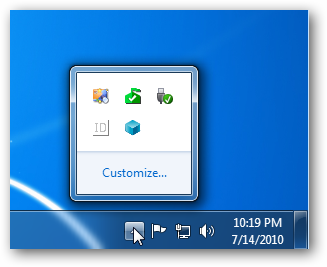
The notification icons are 16x16 on both Windows 7 and Windows 10.
Can you clarify your request?

It was probably caused by the Anniversary Update of Windows 10, which is not supported in the final version at this time.
See the following post for details:
Customer support service by UserEcho


Implemented in 7+ Taskbar Tweaker v5.2.